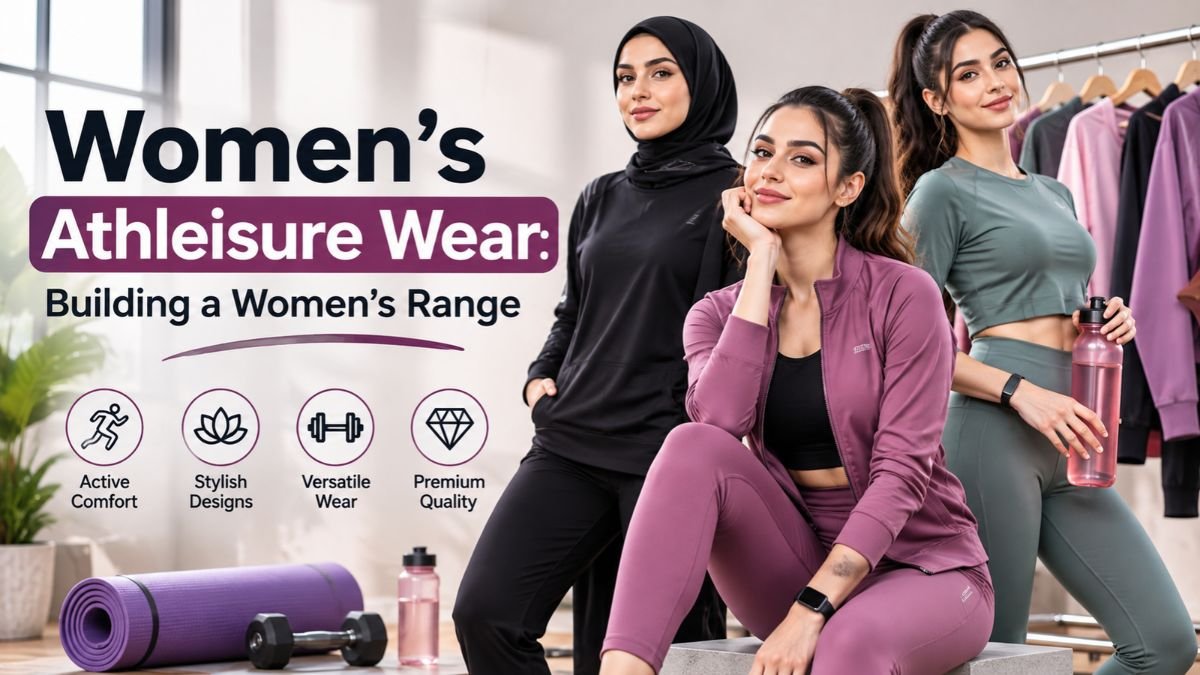
The Rise of AI-Generated Images
Making digital images used to take design skills, specialized software, real time. Even something simple meant finding assets, adjusting layouts, choosing colors, going through round after round of editing. AI flipped that. Generate visual concepts from written descriptions instead — done.
AI image generators run machine learning models trained on huge collections of visual data. Interpret prompts — subjects, environments, styles, colors, lighting, compositions — produce an image out of the instructions. Genuinely useful for anyone needing visual content without advanced graphic design experience behind them.
Accessibility’s opened this up beyond professional designers entirely. Students, marketers, bloggers, social creators, small businesses, hobbyists — all experimenting with visual ideas through simple text prompts now.
How Text-to-Image Technology Works
Basic level, this translates natural language into visual info. Peaceful mountain landscape at sunset, futuristic city, minimalist product illustration — describe it, system tries representing those concepts in an image.
Sophisticated neural networks identify relationships between language and visual characteristics. During training, models learn patterns tied to objects, environments, artistic styles, other visual concepts.
Tech varies platform to platform, but a lot run diffusion-based approaches. Start with visual noise, gradually transform it into something matching the prompt. Other architectures, different methods — goal stays the same though. Textual description into coherent visual result.
Probabilistic, this tech. Same prompt, sometimes different results. Small wording changes shift composition, colors, perspective, other details too.
Writing Better Prompts
How good the result turns out ties partly to how clearly you described what you want. Vague prompt, visually interesting maybe, doesn’t match the idea though.
Effective prompts identify the main subject, provide context. Not “a city” — a modern European city at dusk, viewed from street level, warm window lighting, light rain. That’s specific enough to actually work with.
Style, framing, lighting, atmosphere, perspective — all worth including. Too many unrelated instructions, though, and things get less predictable.
Experimentation matters here. Adjust one element at a time, compare generations, find what actually fits your purpose. Anyone messing with a free AI image generator picks this up fast — see how wording changes shape the result.
Common Uses for AI Image Generation
Shows up everywhere in digital content. Bloggers use generated illustrations alongside articles. Social creators develop visual concepts for posts and campaigns. Educators use custom illustrations for abstract topics. Students create visual material for presentations, creative projects.
Businesses lean on it for early brainstorming too. A team developing a product generates concept images — packaging ideas, environments, advertising themes — before investing in professional production.
Prototyping’s another real use. Designers visualize an idea fast before building a polished version by hand. Saves time on concepts that might end up rejected anyway.
Benefits and Limitations
Speed’s the biggest win here, honestly. What might’ve taken hours of design work gets visualized in minutes now. Experimentation’s easier too — generate multiple variations without starting every concept from scratch.
Accessibility matters just as much. People without traditional design software experience create visual drafts through ordinary language alone.
Real limits, though. Incorrect details, unusual object structures, inconsistent typography, other visual errors show up. Human review still matters, especially for anything professional or public-facing.
Text inside images can be unreliable too. Accurate names, labels, statistics, branding — often need manual correction with conventional editing tools afterward.
Copyright and Responsible Use
Legal and ethical questions here keep evolving. Different countries treat AI-generated works differently. Legal status of particular outputs can depend on human involvement, the material used to train a model.
Think through rights tied to reference images, trademarks, recognizable individuals, other protected material. Generating an image doesn’t automatically make every possible use of it legally or ethically fine.
The Future of Visual Creation
AI image generation’s probably getting more integrated with conventional design workflows, not just replacing them. Human creativity still matters — deciding what gets created, why, how the final image actually communicates something.
Most practical approach, treating AI as a creative assistant. Helps generate concepts, explore alternatives, speed up early-stage visual development. People stay responsible for editing, verification, context, final calls.
As these systems keep improving, the line between traditional design and AI-assisted creation gets less significant, probably. Bigger change’s really that visual experimentation’s getting faster, more accessible — more people turning written ideas into visual concepts than ever before.